Greasemonkey script to remove Maxima.org's ads
Download/install Greasemonkey script
Updates:
2008.01.20: Fixed the 'disabled PM text box' bug, just a patch to the below.
2008.01.19: Fixed the 'disabled quick reply' bug.
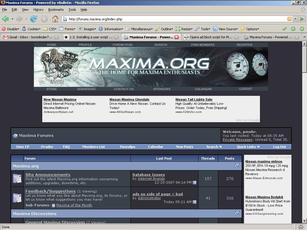
Main index
with
the sidebar and ads
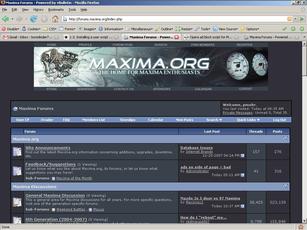
Main index
without
the sidebar and ads
'Installation' Instructions:
If you don't already have Greasemonkey, then get it
here
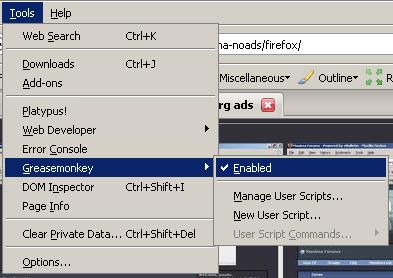
Make sure Greasemonkey is enabled:
Click on the above
link
.
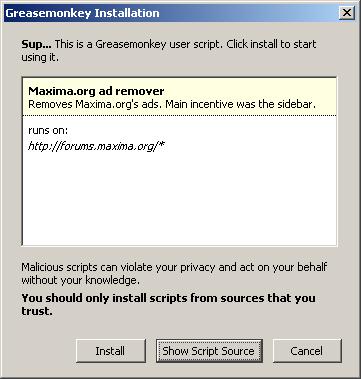
On the following dialog, click 'Install':
When the script is successfully installed, you should see the following in the lower right hand corner of the browser: